 About
|
Who uses Fade In?
|
Reviews
|
Features
|
Download
|
Support
|
Buy
About
|
Who uses Fade In?
|
Reviews
|
Features
|
Download
|
Support
|
Buy
About
|
Who uses Fade In?
|
Reviews
|
Features
|
Download
|
Support
|
Buy
About
|
Who uses Fade In?
|
Reviews
|
Features
|
Download
|
Support
|
Buy
Fade In Professional Screenwriting Software is a complete application for writing motion picture screenplays, including tools for outlining, organizing, and navigating, plus extensive screenplay formatting and robust tools for managing rewrites and revisions.
(For the most recent changes, see here.)
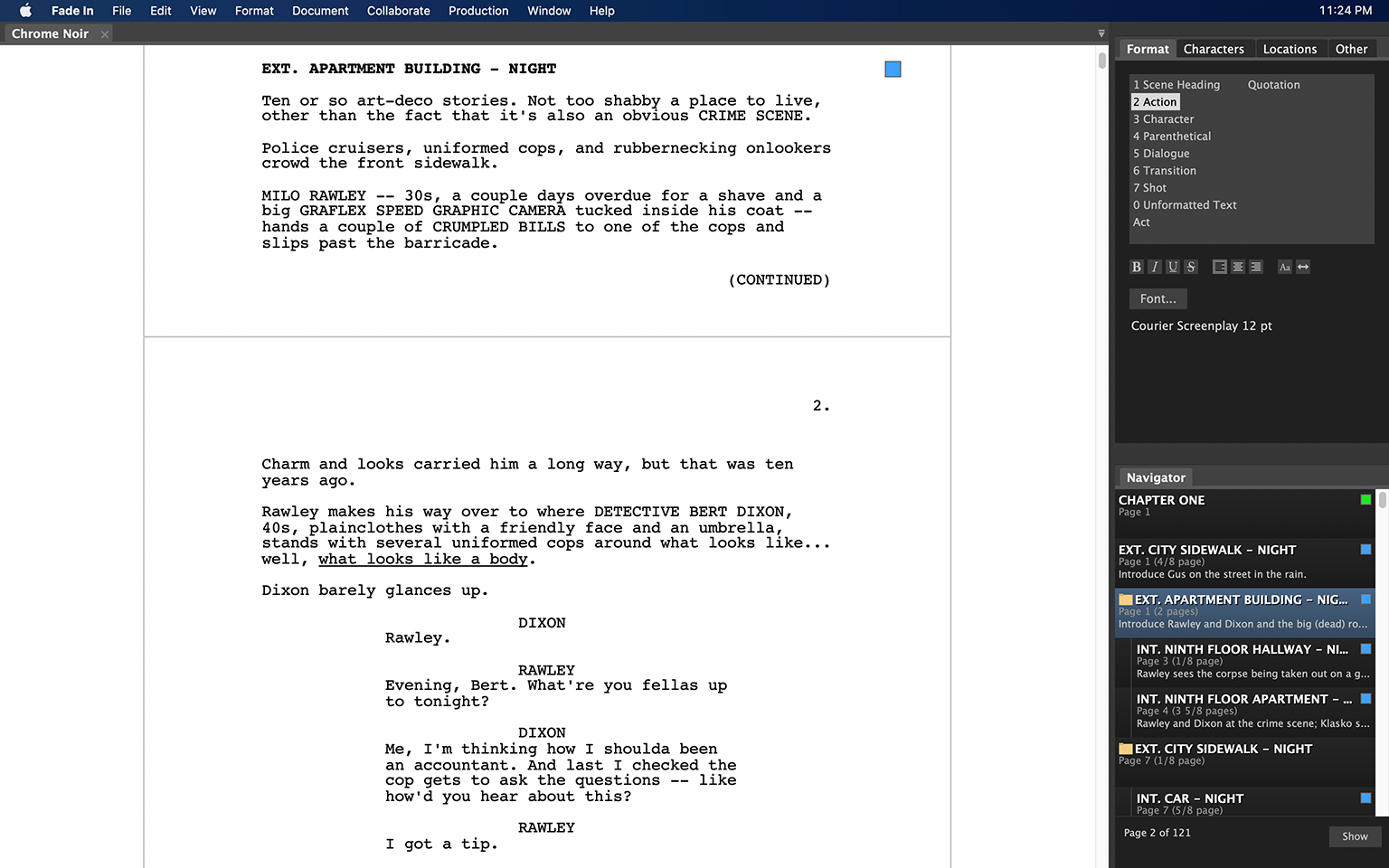
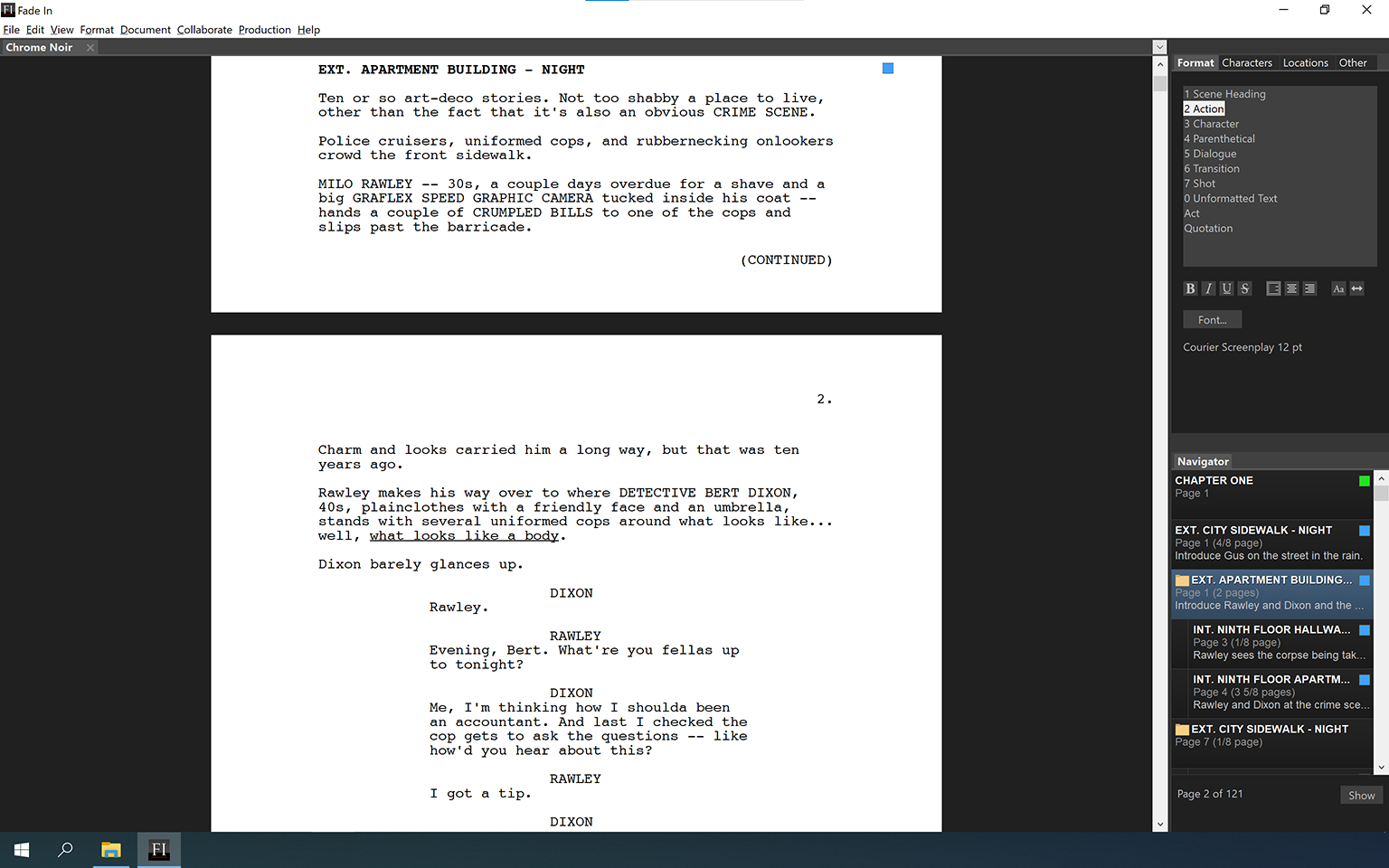
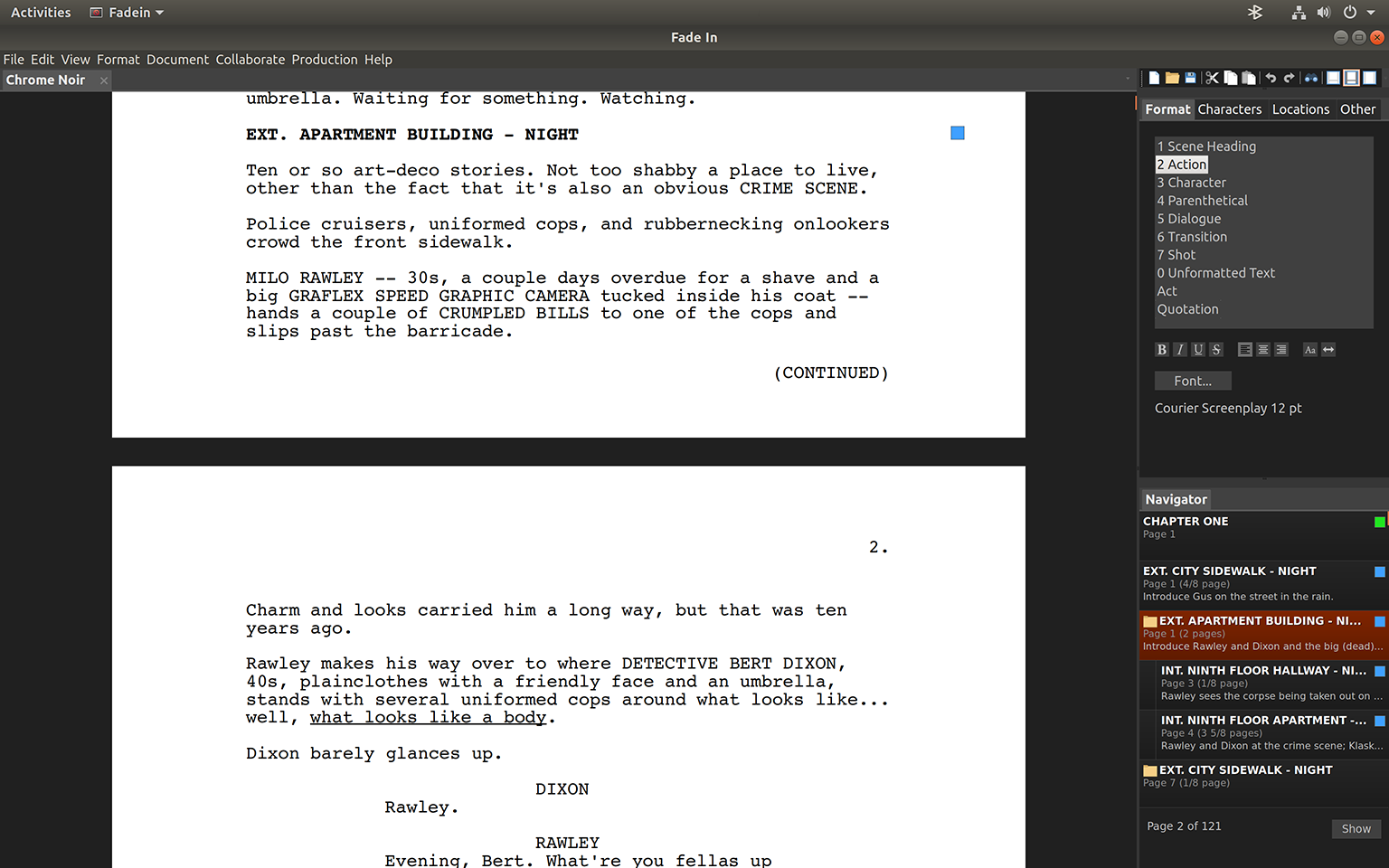
 The software takes care of script formatting for you, automatically transitioning from scene headings to action to dialogue as you type. It includes a full range of standard screenplay styles: you can use the built-in default styles, customize them, or create your own. Control all aspects of page layout and appearance, and even tweak individual linelengths with a single keypress.
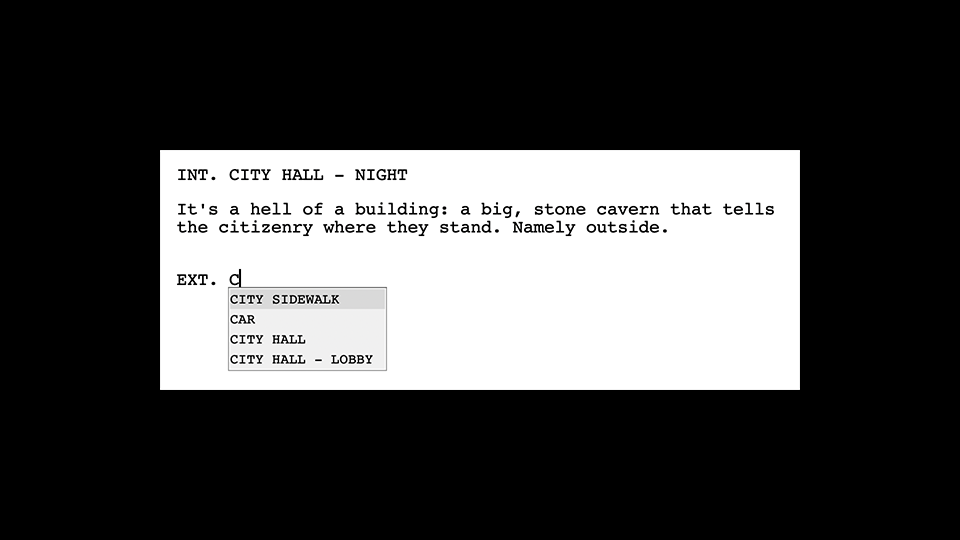 The software keeps track of the character names and locations you use and can provide as-you-type autocompletion suggestions. The lists of characters and locations can be customized, sorted, and rebuilt. There are also autocomplete lists for scene intros (INT., EXT., etc.), scene times (DAY, NIGHT, etc.) and more.
You can even change character names smartly and automatically.
The software keeps track of the character names and locations you use and can provide as-you-type autocompletion suggestions. The lists of characters and locations can be customized, sorted, and rebuilt. There are also autocomplete lists for scene intros (INT., EXT., etc.), scene times (DAY, NIGHT, etc.) and more.
You can even change character names smartly and automatically.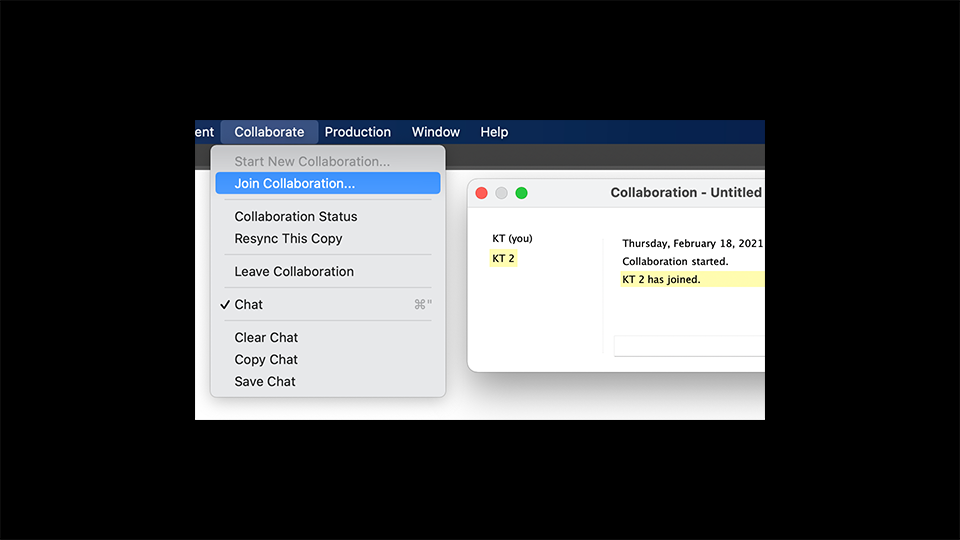 With Fade In's real-time collaboration capabilities, you can work on the same screenplay at the same time with multiple collaborators, no matter where they are in the world. Unlike other software that only allows one person to actually work on a document at a time, Fade In allows collaborators to work independently, with changes being reflected in all collaborators' copies in real time.
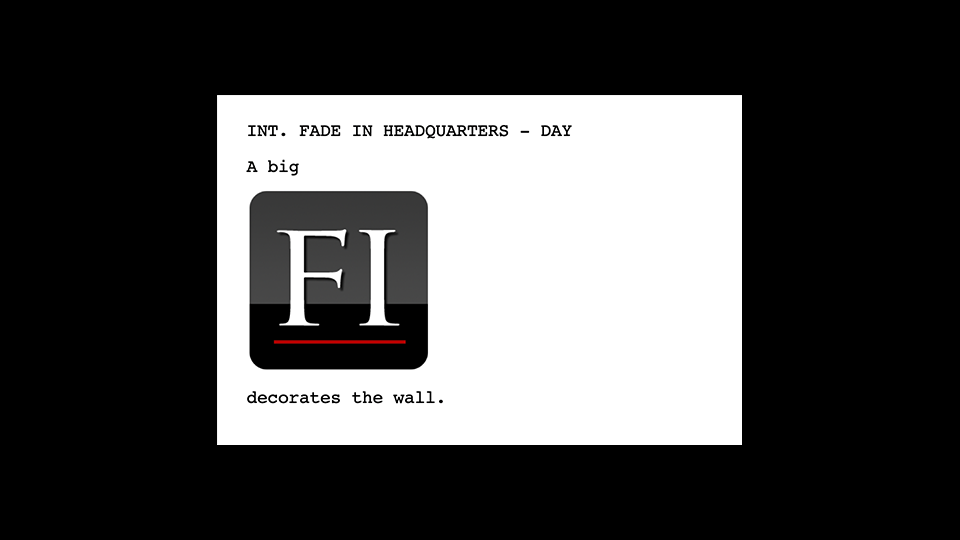 Fade In allows you to insert images directly into your document, whether on the title page or within a screenplay itself.
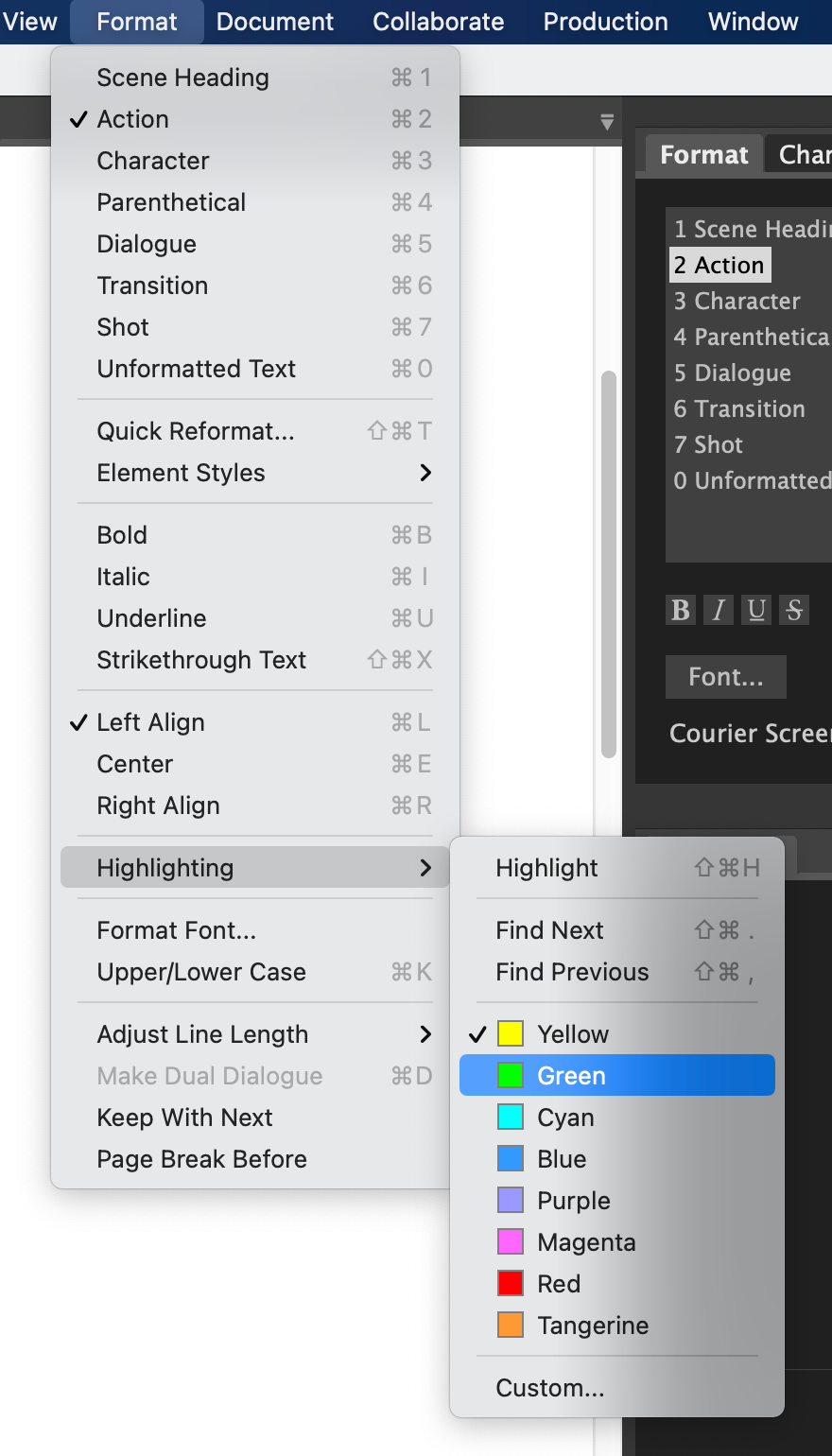
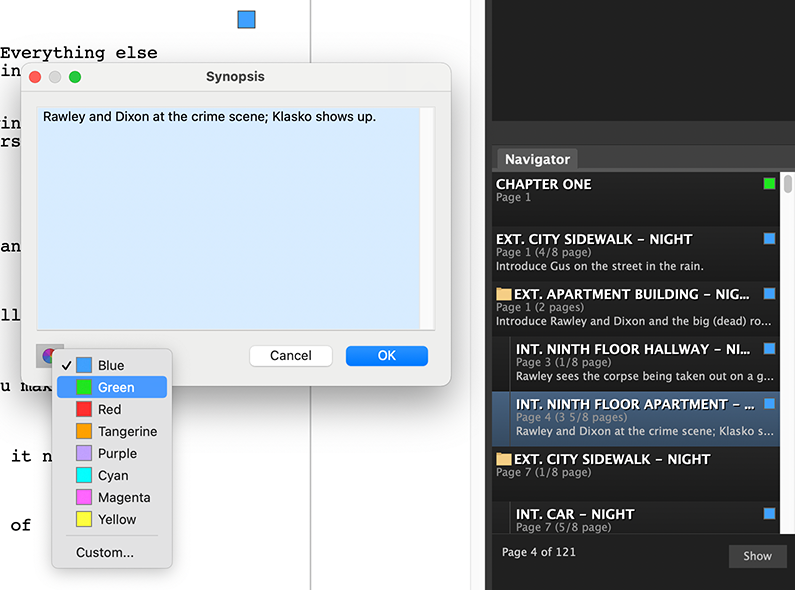 You're not limited to organizing your screenplay by scenes and index cards. You can organize it and color-code it however you like, marking significant sequences, plot points, themes, characters, and other story elements so you'll always have a clear overview of your work.
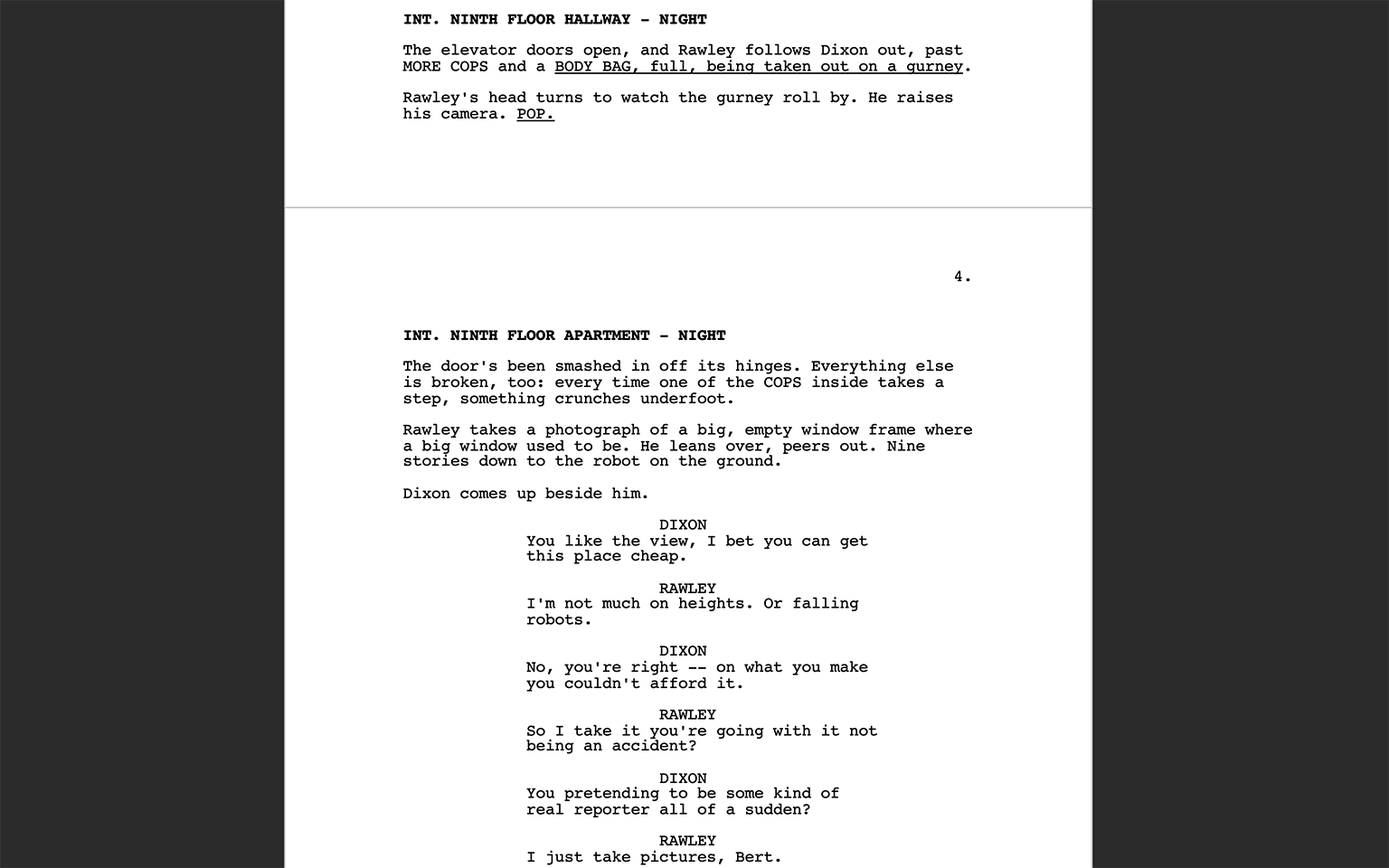 A page-only, no-distractions, full-screen mode allows you to concentrate on the most important thing: writing. An additional focused writing mode lets everything else fade into the background except what you're working on right now.
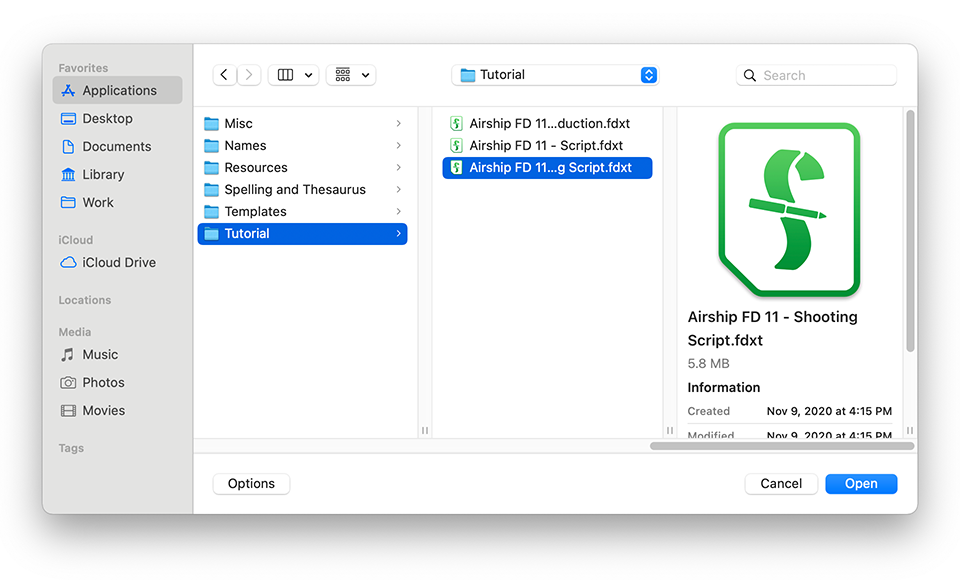 Importing and exporting multiple file formats is easy with support for everything from text to HTML to Open Screenplay Format XML.
 Rewriting is a huge part of writing, and Fade In provides a specialized set of tools to help do both.
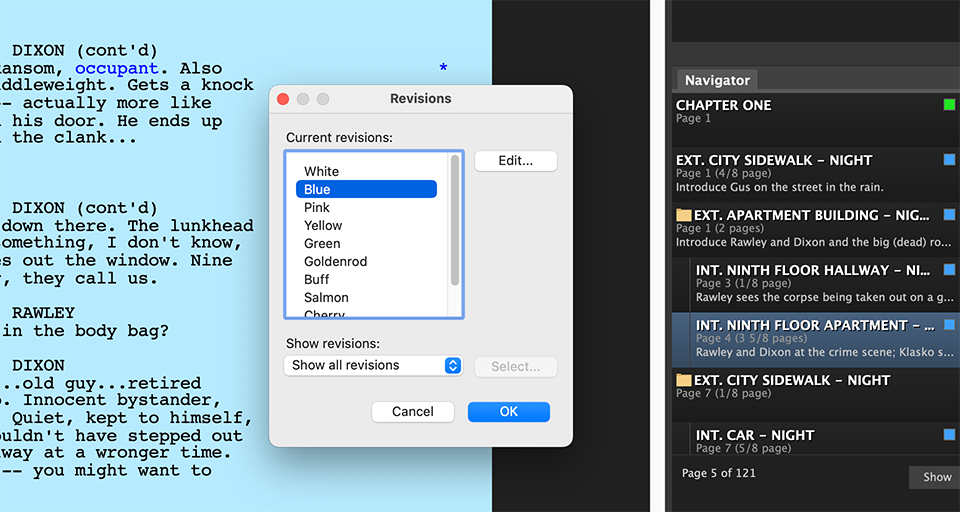 A necessity for a professional screenwriter during the rewriting process is being able to manage revisions, page locking, scene locking, omitted scenes and more.
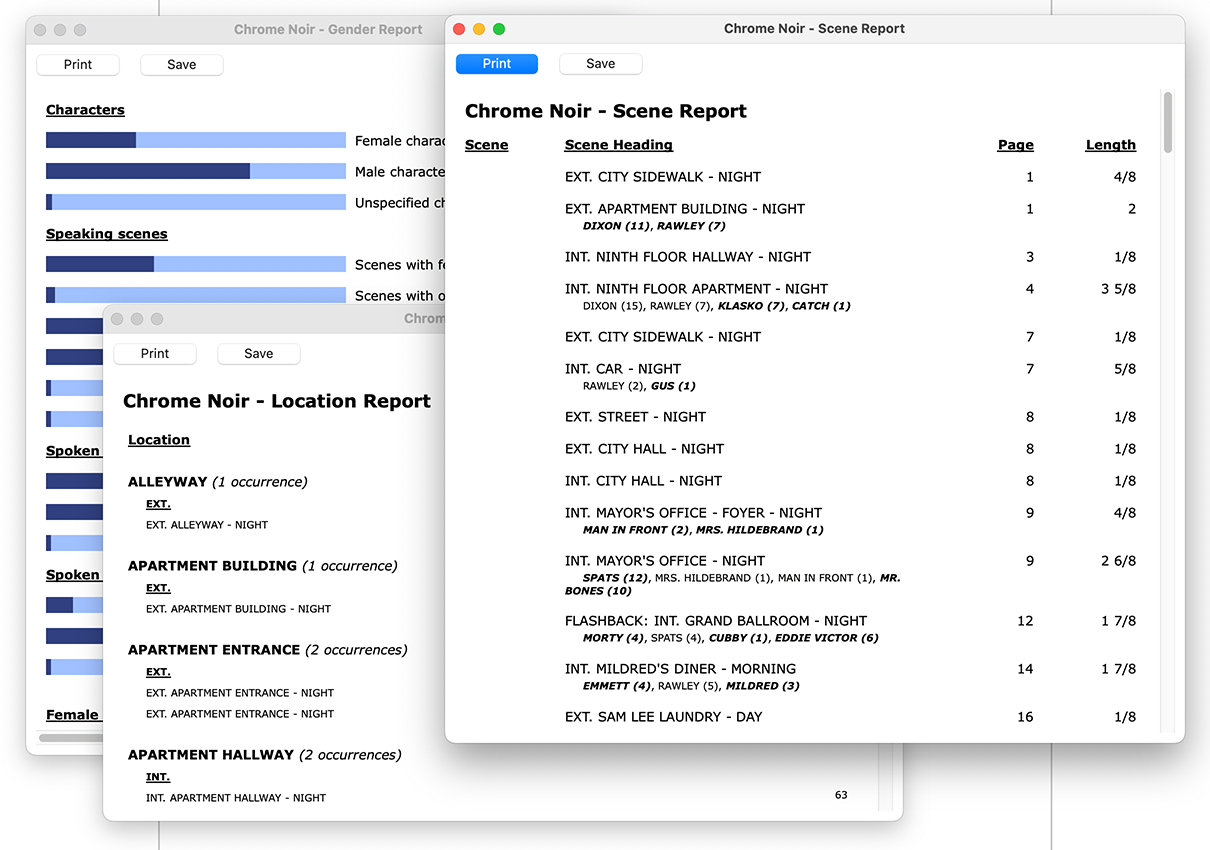
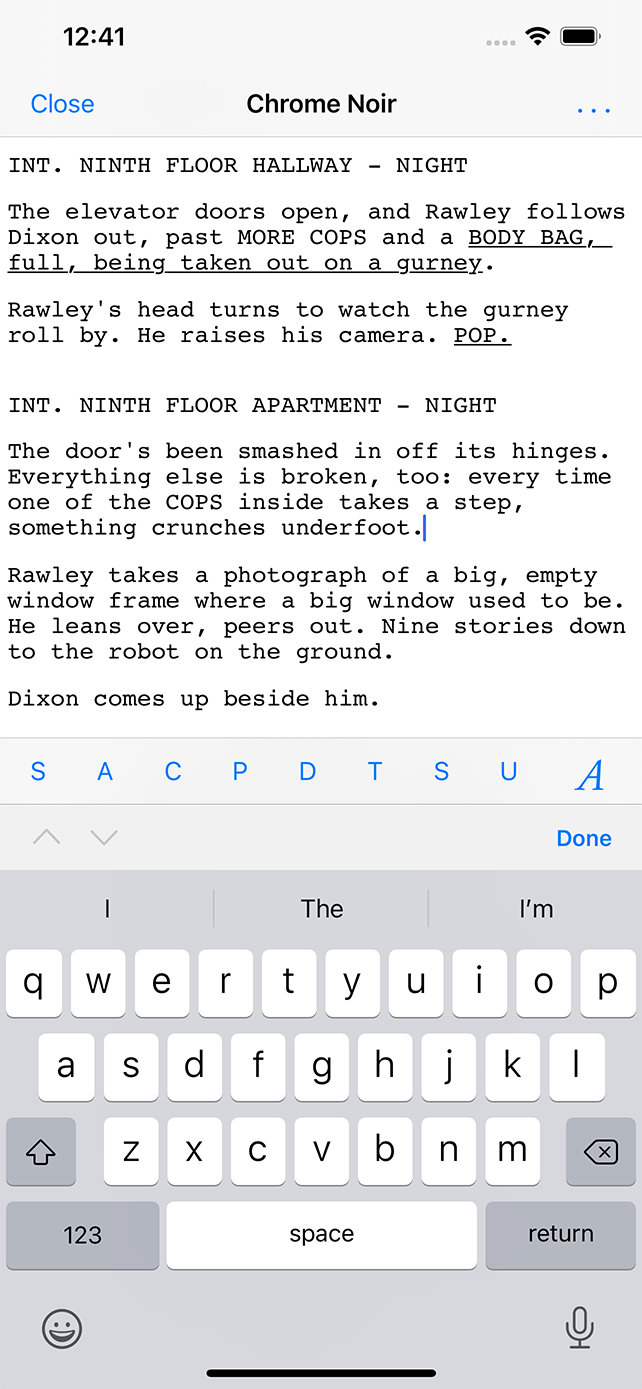 Work on the go with Fade In Mobile, available separately for iPhone, iPad, and Android.